Ever messed up a deadline because you counted days wrong? Yeah, me too.
DayToDayCount.com is a free, browser‑based calculator that gives you a to‑the‑day count between any two dates...
Master Your Schedule: How to Accurately Count Days Between Any Two Dates
URL slug: how-to-accurately-count-days-between-dates
Meta Description: Need a reliable day to day count? Learn how to calculate days between dates, exclude weekends, handle leap years, and use our free tool for accurate planning.
Ever messed up a deadline because you counted days wrong? Yeah, me too.
DayToDayCount.com is a free, browser‑based calculator that gives you a to‑the‑day count between any two dates. You pick which weekdays count, decide if the end date should be included, and see results in days, weeks, months, or years – all without a page refresh.
How to Calculate Days Between Dates (Step‑by‑Step)
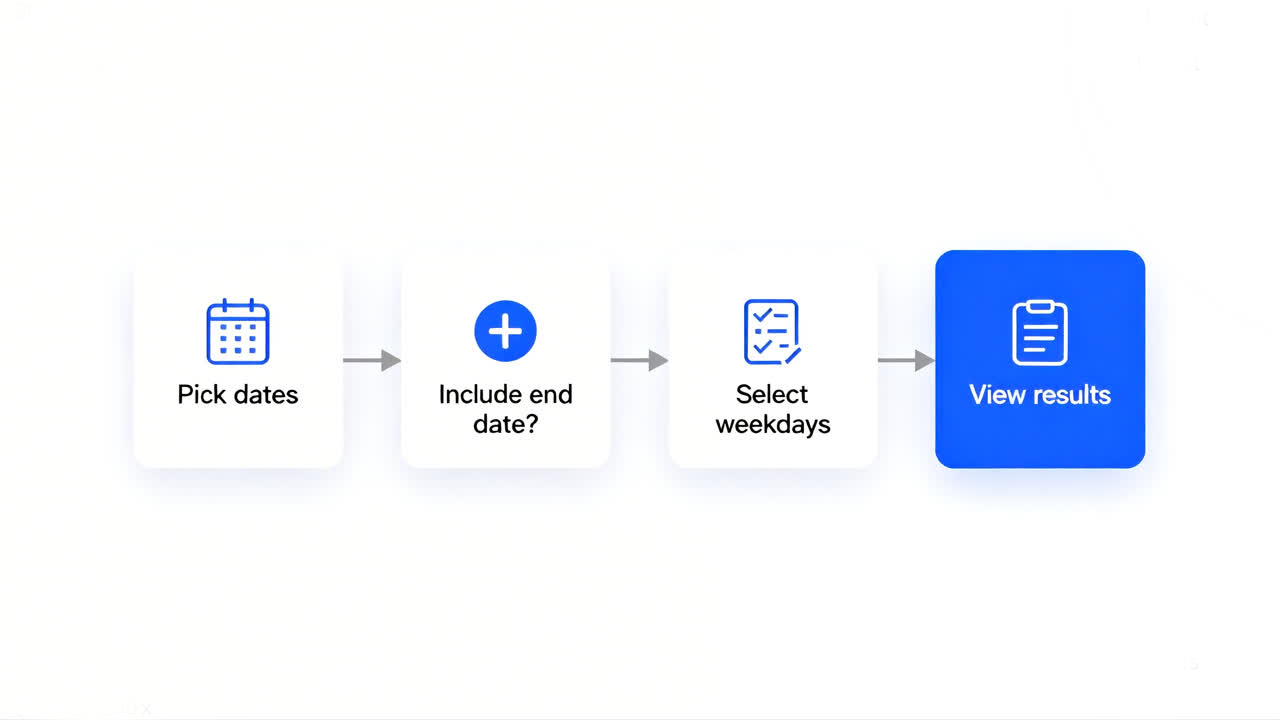
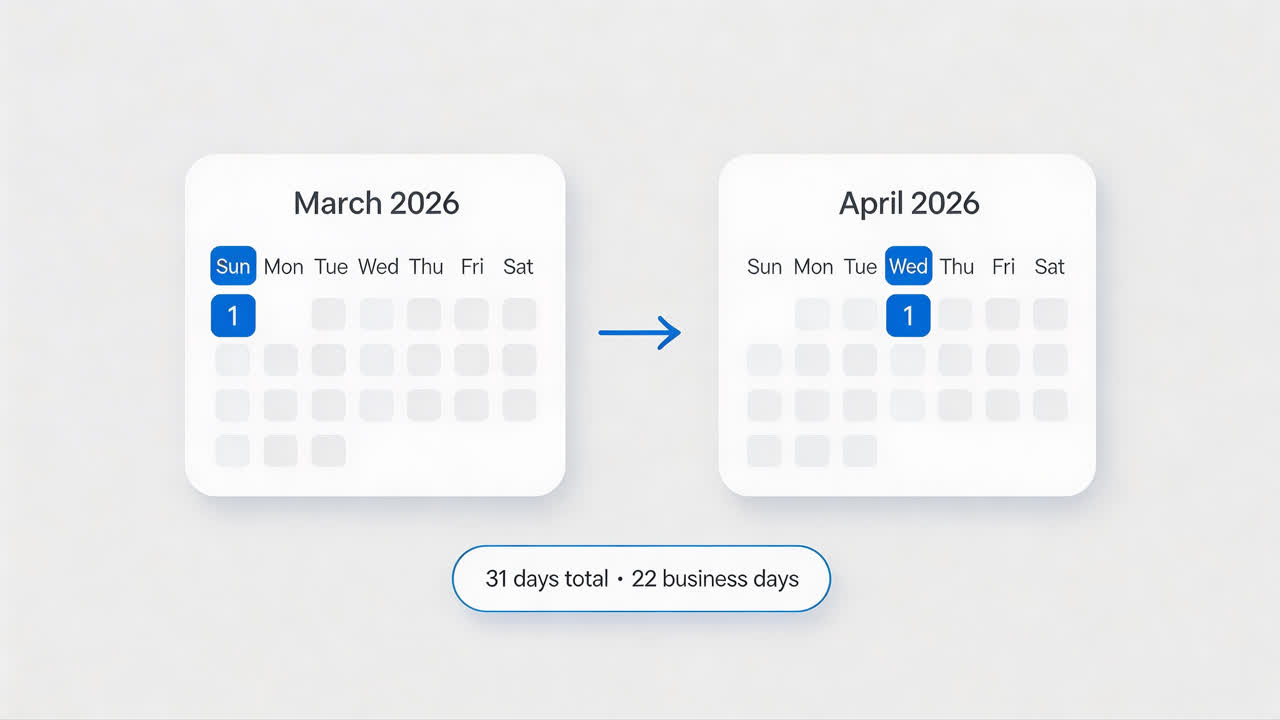
Pick your start and end dates using the date picker. Say, March 1, 2026 → April 1, 2026. Or click “Today” to use the current date.
(Just remember: we use MM/DD/YYYY – month/day/year here in the US.)
Now, do you need to count the end date?
- ✅ Check “Include end date” → you add +1 day. (Standard for most legal deadlines and return policies.)
- ❌ Leave it unchecked → you’ll get the raw difference (e.g., Monday to Tuesday = 1 day).
Then tell the tool which weekdays matter.
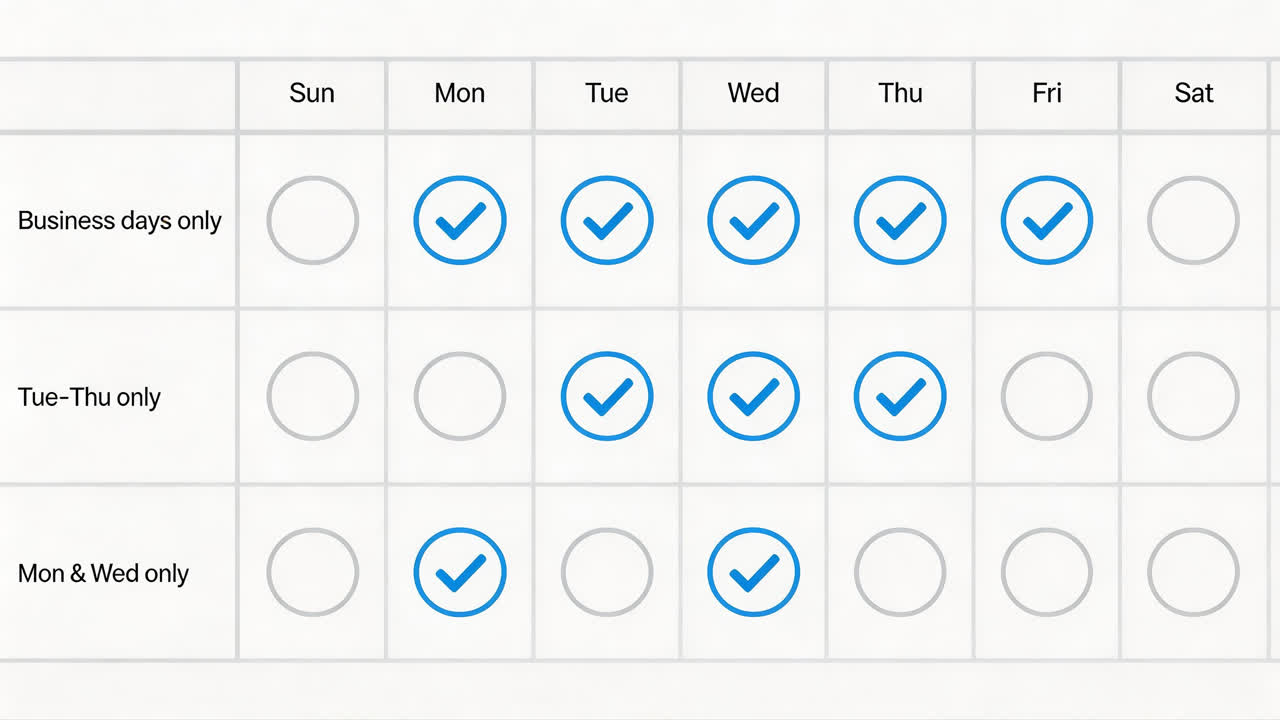
By default, all seven days are counted. To calculate business days (Monday–Friday), just uncheck Saturday and Sunday. You can also create custom patterns – say, only Tuesdays and Thursdays.
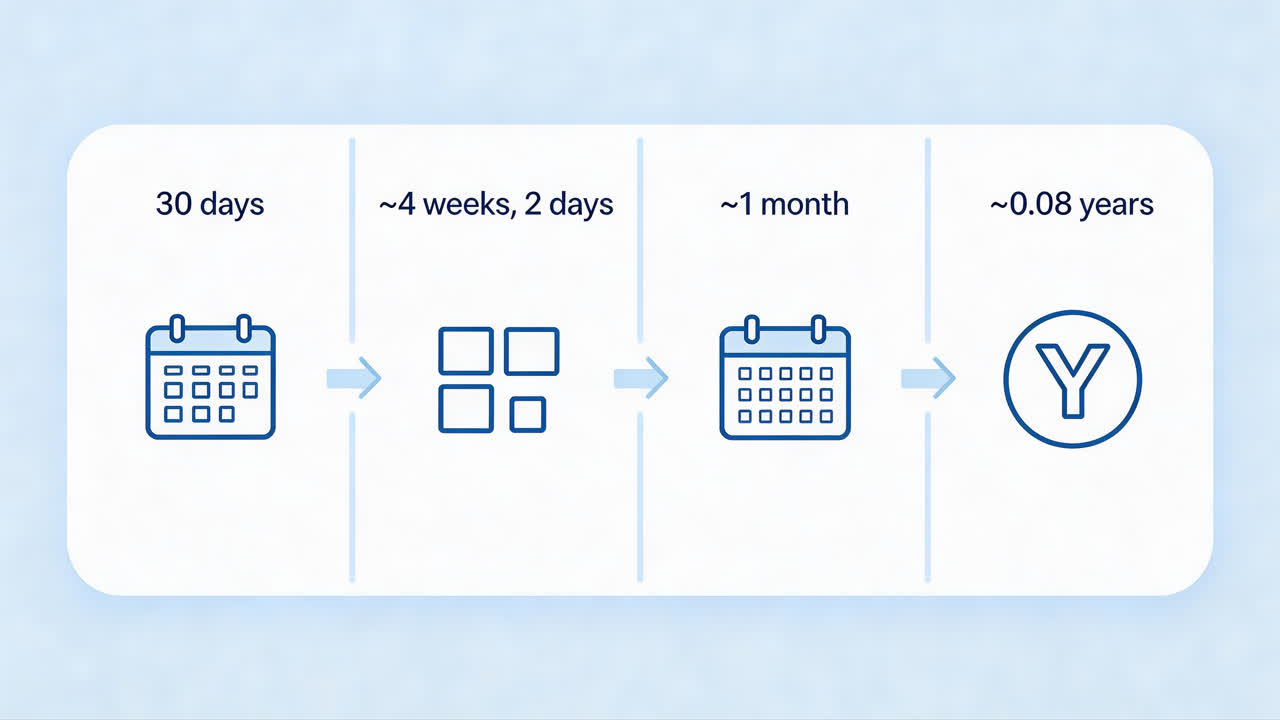
Finally, look at your results. The tool shows:
- Total days (filtered by your weekday selection)
- Weeks + leftover days (e.g., 4 weeks and 2 days)
- Months + leftover days (using 30.44 days/month – think of it as slicing a year into 12 equal pieces; each piece is about 30.44 days)
- Years (using 365.25 days/year – that’s how we handle leap years)
No manual math. No guessing.
Real‑World Examples (US‑friendly)
Example 1 – Business days only
🖼️ (briefcase icon) – next to title.
Scenario: Your project runs from Monday, March 2, 2026 to Friday, March 13, 2026. How many actual working days?
Solution: Uncheck Saturday & Sunday → the tool shows 10 business days. (If you left weekends in, you’d see 12 calendar days.) Now you won’t over‑promise.
Example 2 – Legal deadline / return policy
🖼️ (calendar check icon) – next to title.
Scenario: A store’s return policy says “30 days from purchase, including the last day.” You bought something on March 1, 2026. What’s the last day to return?
Solution: Start date = March 1, 2026, add 30 days with “include end date” checked → result is March 31, 2026. (Without that check, it would be March 30 – a day too early.)
Example 3 – Age calculation
🖼️ (birthday cake icon) – next to title.
Scenario: Born June 15, 2000. How old on April 3, 2026?
Solution: Birth date as start, today as end → tool shows 25 years, 9 months, and 19 days (using typical month length). For exact calendar months, use the detailed day‑by‑day breakdown.
A couple more US‑friendly uses:
- Countdown to Tax Day (April 15) – how many days left to file?
- How many school days until winter break? (Just uncheck Saturdays and Sundays – and maybe even weekdays off, if you want.)
- Need to check FMLA leave eligibility? You can count only weekdays or all days – the tool lets you decide.
Handling Special Cases (without the headache)
Leap years – Our tool automatically counts February 29 when it falls between your dates. The yearly conversion uses 365.25 days on average, so even across leap cycles you get consistent annual results.
Different month lengths – Months vary from 28 to 31 days. We use 30.44 days per month (that’s the ISO 8601 standard – an international agreement on how to keep dates and weeks consistent). Think of it as slicing a year into 12 equal pieces; each piece is about 30.44 days.
Excluding specific weekdays – You’re not stuck with just weekends. Uncheck any combination. For example, if your team works only Tuesday through Thursday, select those three days – the tool will count only them.
Key Takeaways: What You’ve Learned
- You can count only business days (or any custom set of weekdays) with one click.
- Including or excluding the end date changes the total by ±1 day – pick the right option for your use case.
- The tool handles leap years and irregular month lengths automatically, so you don’t have to.
Frequently Asked Questions (the practical ones)
Q: What if my start date is after my end date?
A: No problem. The tool works both ways – it will still give you a positive day count. (If you need a negative count, just swap the dates.)
Q: Is there a maximum year range?
A: JavaScript dates support years from 0 to 9999. That’s plenty for most planning.
Q: Can I bookmark or share my calculation?
A: Currently the tool doesn’t generate shareable URLs, but you can bookmark the page with your settings – they’ll be there when you come back.
Q: What about federal holidays?
A: The tool lets you exclude weekdays, but it doesn’t automatically exclude holidays. You can manually uncheck any specific day you need to skip.
Short note: The tool is 100% free, runs entirely in your browser (no data sent anywhere), and updates results as you type. No sign‑up, no ads, no catch.
Now go count some days. Or weeks. Or years. You get the idea. 😊
Ready? → Day to Day Count Calculator